SOLO option

After a full working day, you do not want a second shift of administration.

DISPO+ SOLO keeps jobs, customers, notes and billing information together so you do not have to reconstruct everything in the evening. Less retyping, less to remember and faster job closure without unnecessary complexity. No complicated extra tools to configure after work.

For individuals and smaller businesses Email without complicated setup Find information quickly Customisable interface
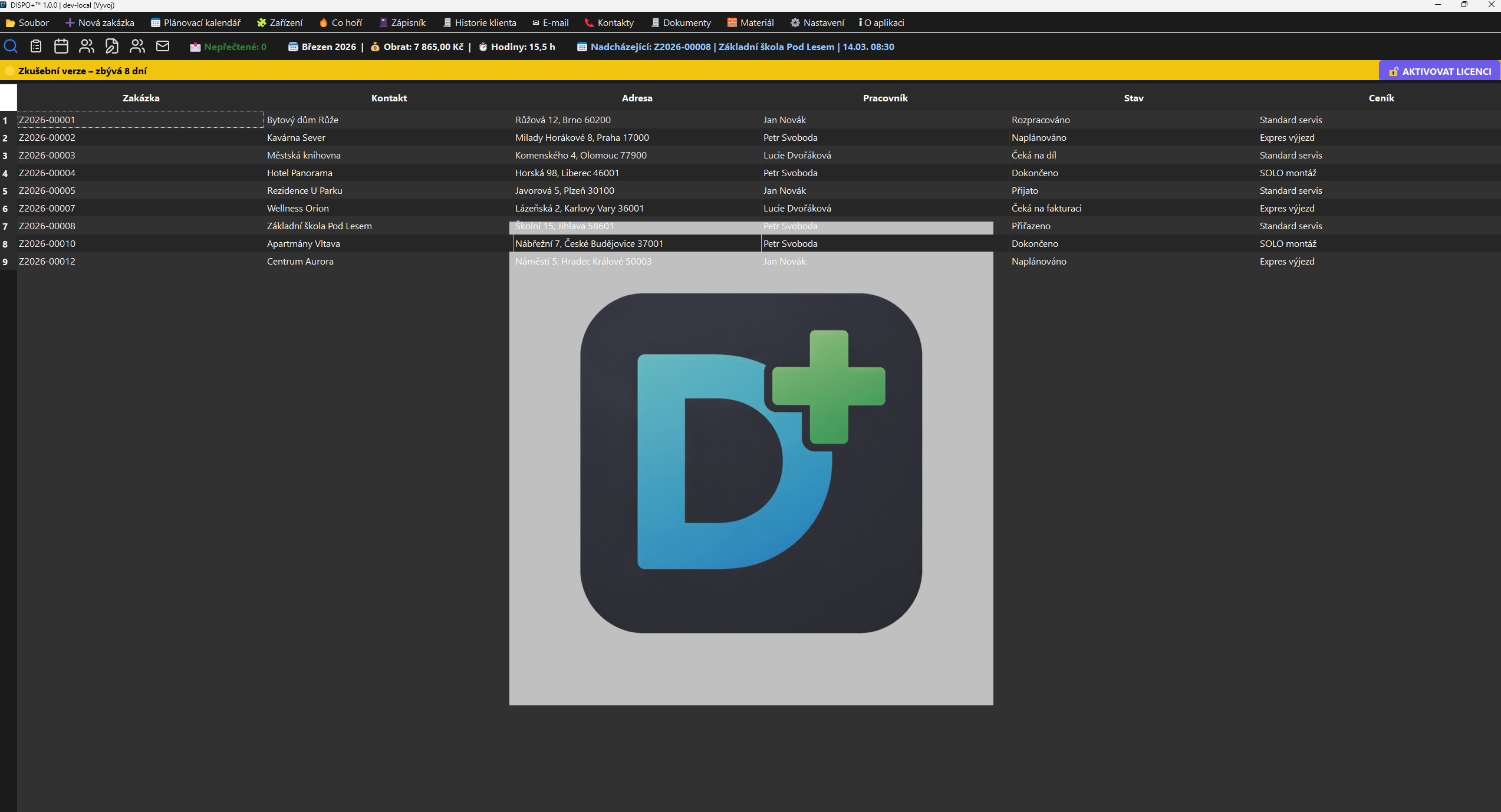
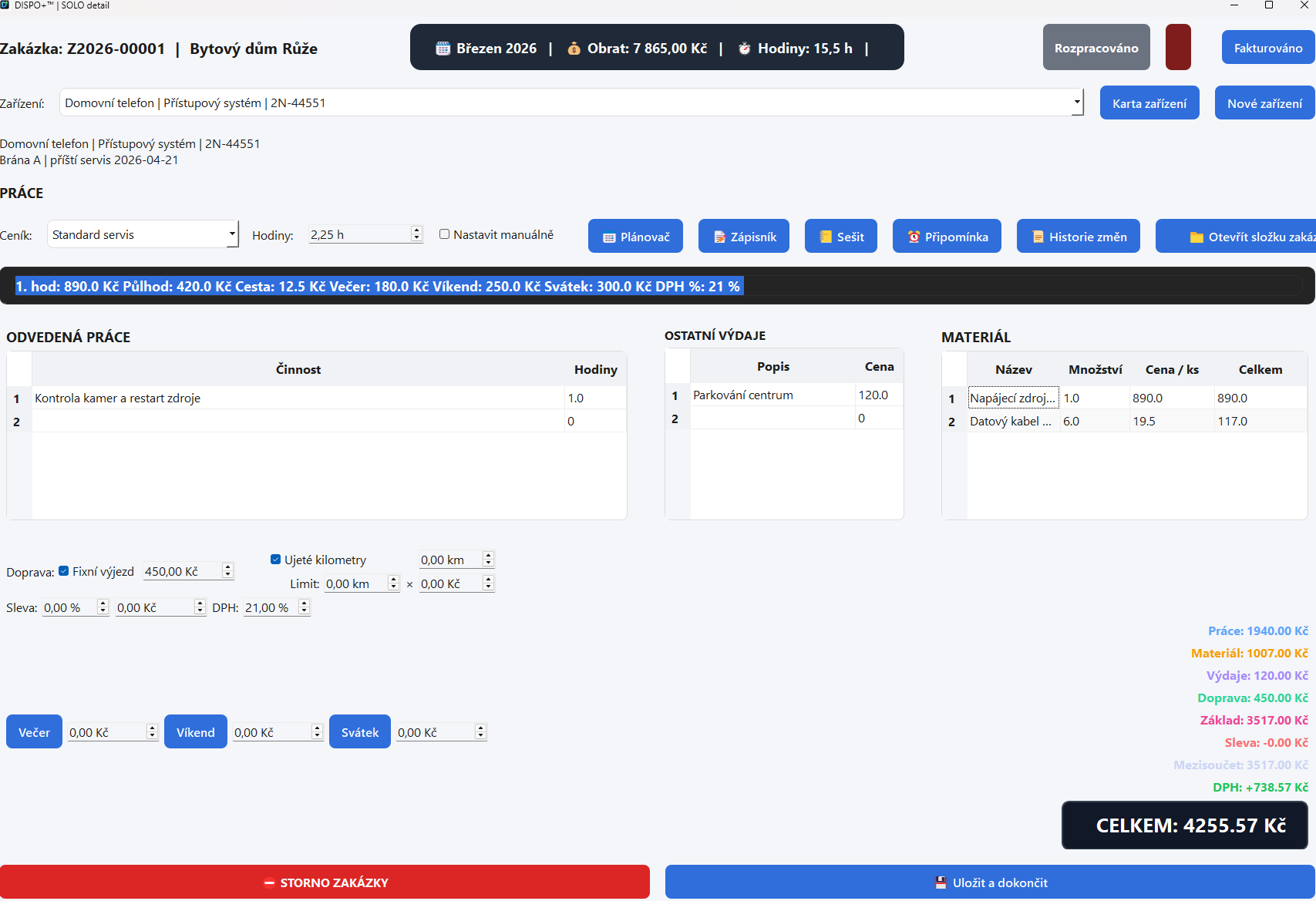
Job overview in DISPO+ SOLO Job detail in DISPO+ SOLO

What you get

SOLO simplifies daily operations from jobs to invoices

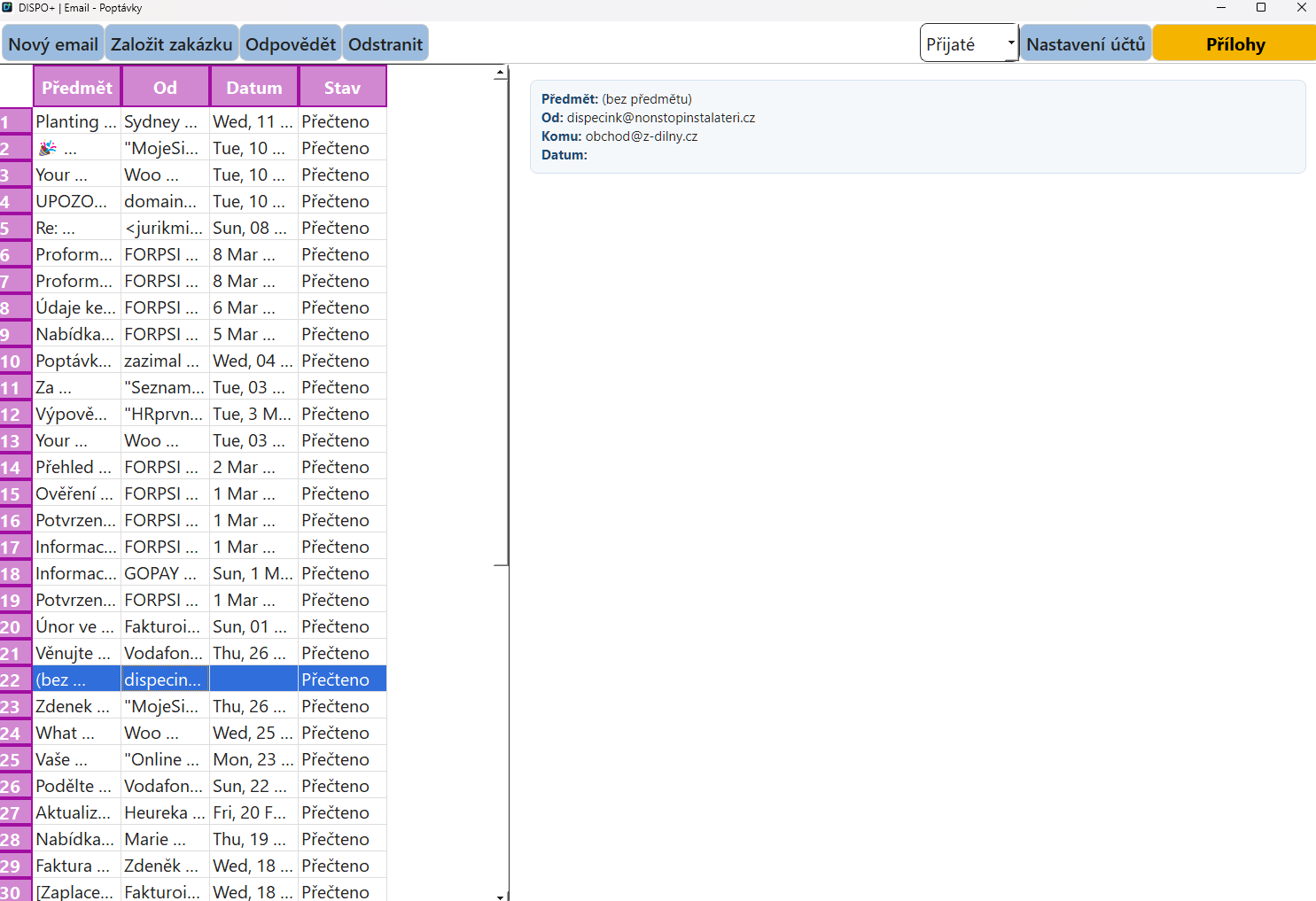
Just enter your email address and password. DISPO+ handles the rest.

Less evening searching, less manual retyping and faster preparation for billing in one workflow.

Create jobs quickly

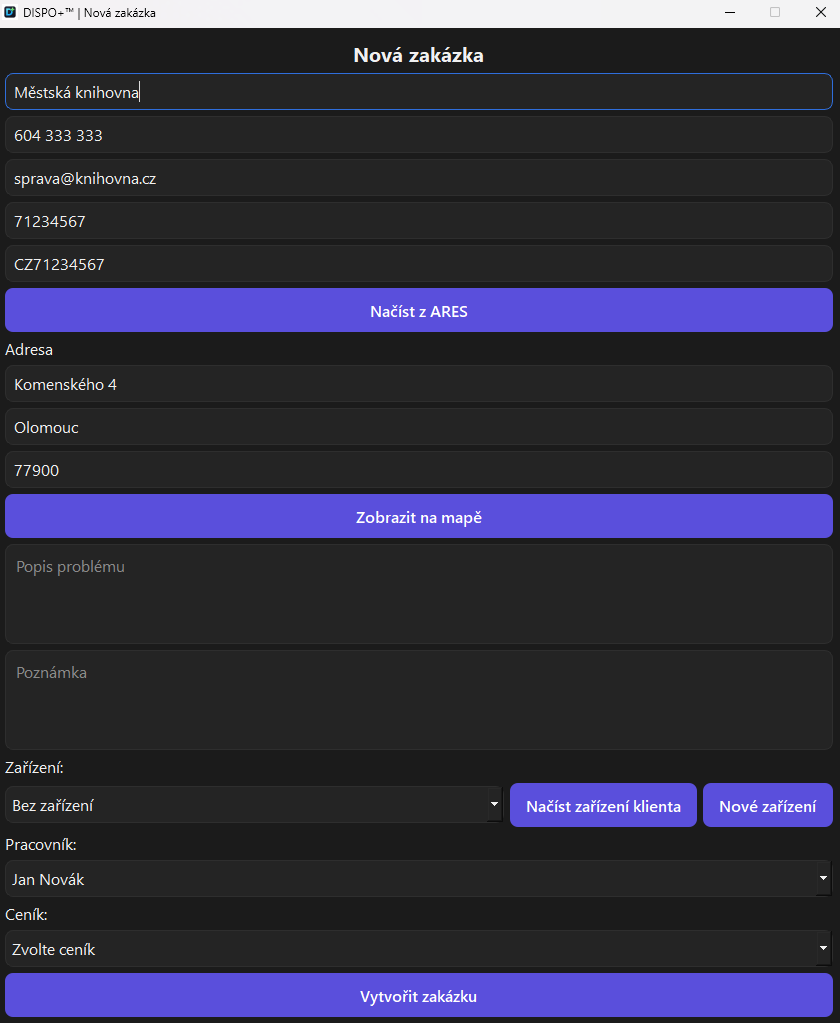
Customer, contact, address, equipment, price list and work description in a single form.

  • Notes, jobs and billing information in one place
  • Find information without searching your phone, paper records and email
  • A clear interface without unnecessary complexity
Pricing under control

Price lists, work, materials, transport, discounts and surcharges remain part of the same workflow.

  • Price lists with multiple rates and surcharges
  • Continuous price recalculation
  • Fewer errors in final billing

Documents without retyping

Job sheets, service reports and invoicing use data directly from the job.

  • PDF outputs and editable documents
  • Send by email
  • Archive of completed outputs

Price lists and finances

SOLO manages work and margins

DISPO+ SOLO shows what makes up the job price. Work, materials, transport, additional expenses, discounts and VAT are included in the same calculation in the job detail. This matters when information would otherwise be kept separately or added only during invoicing.

  • Multiple price lists by work type
  • Evening, weekend, public holiday and transport surcharges
  • A clear price before issuing the invoice
Price list management in DISPO+ SOLO
Price list managementRates, surcharges, transport, discounts and related rules in one place.

Actual screens

Working without evening searching

New job in DISPO+ SOLO
New jobStart the entire workflow with customer and equipment details.
Email client in DISPO+ SOLO
Email without complicated setupJust enter your email address and password. The system handles the rest.
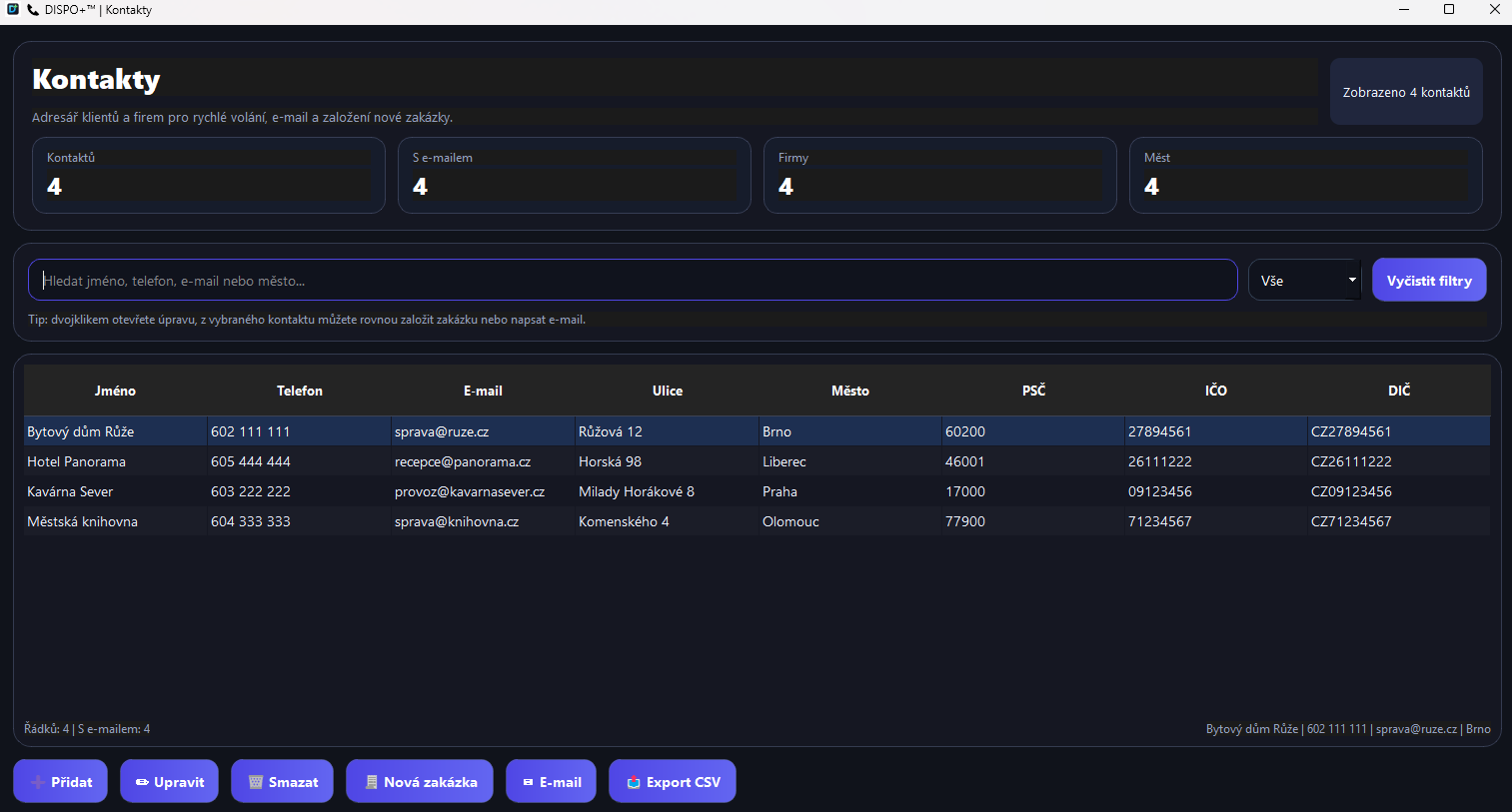
Contact directory in DISPO+ SOLO
ContactsA directory of customers and companies with quick job creation.
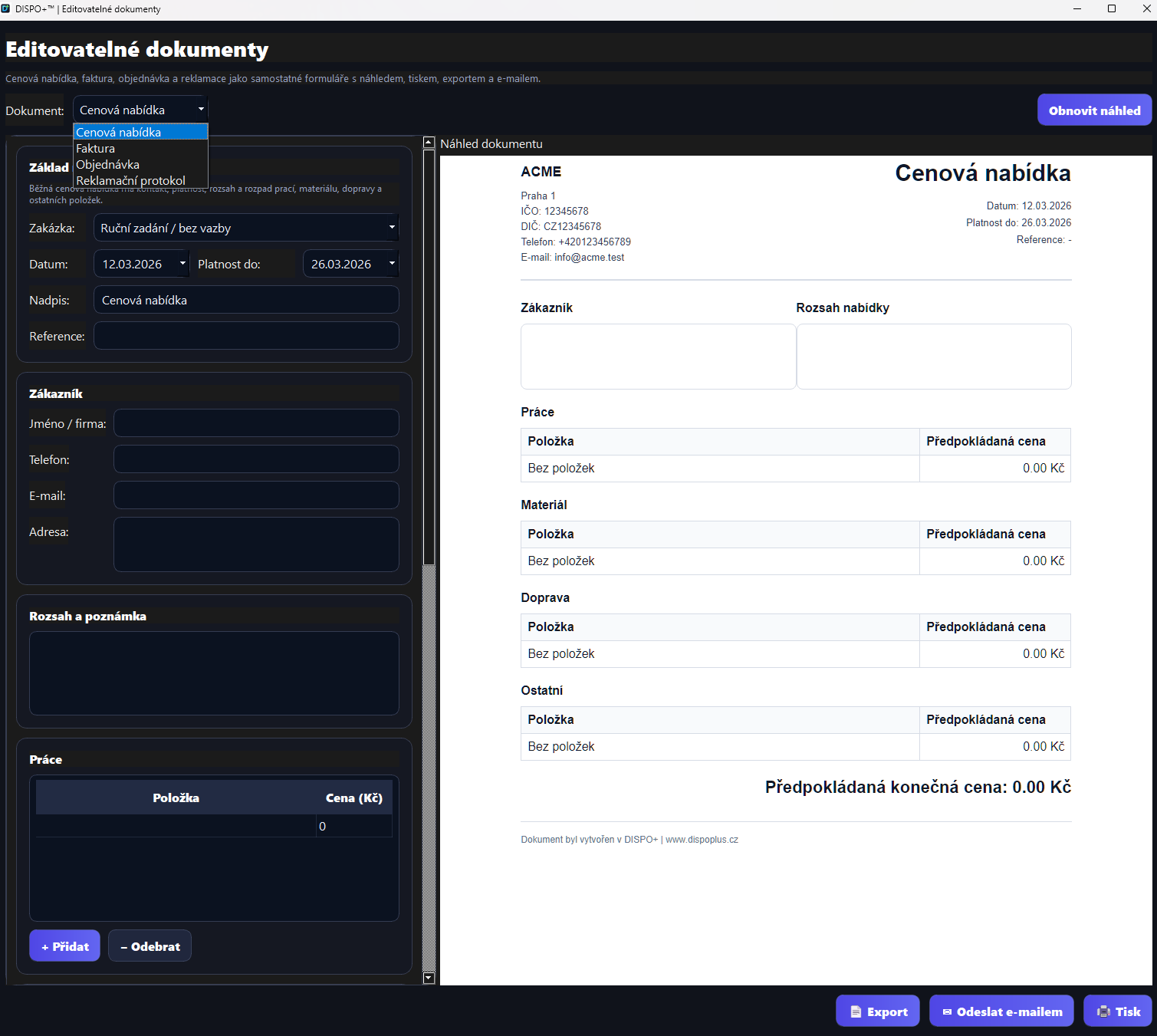
Documents in DISPO+ SOLO
DocumentsManual and automatically generated outputs in one place.
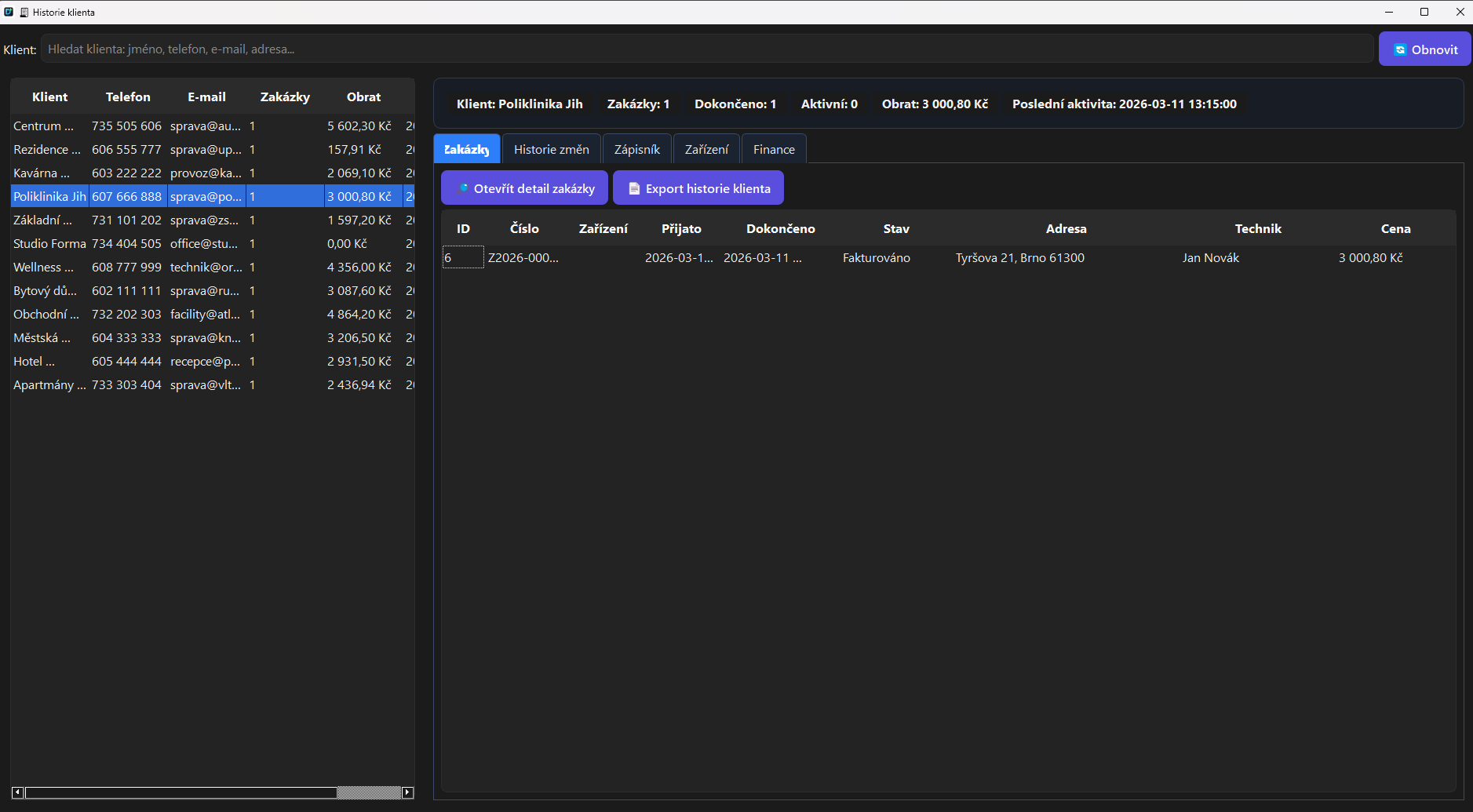
Customer history in DISPO+ SOLO
Customer historyTurnover, jobs, equipment and recent activity.
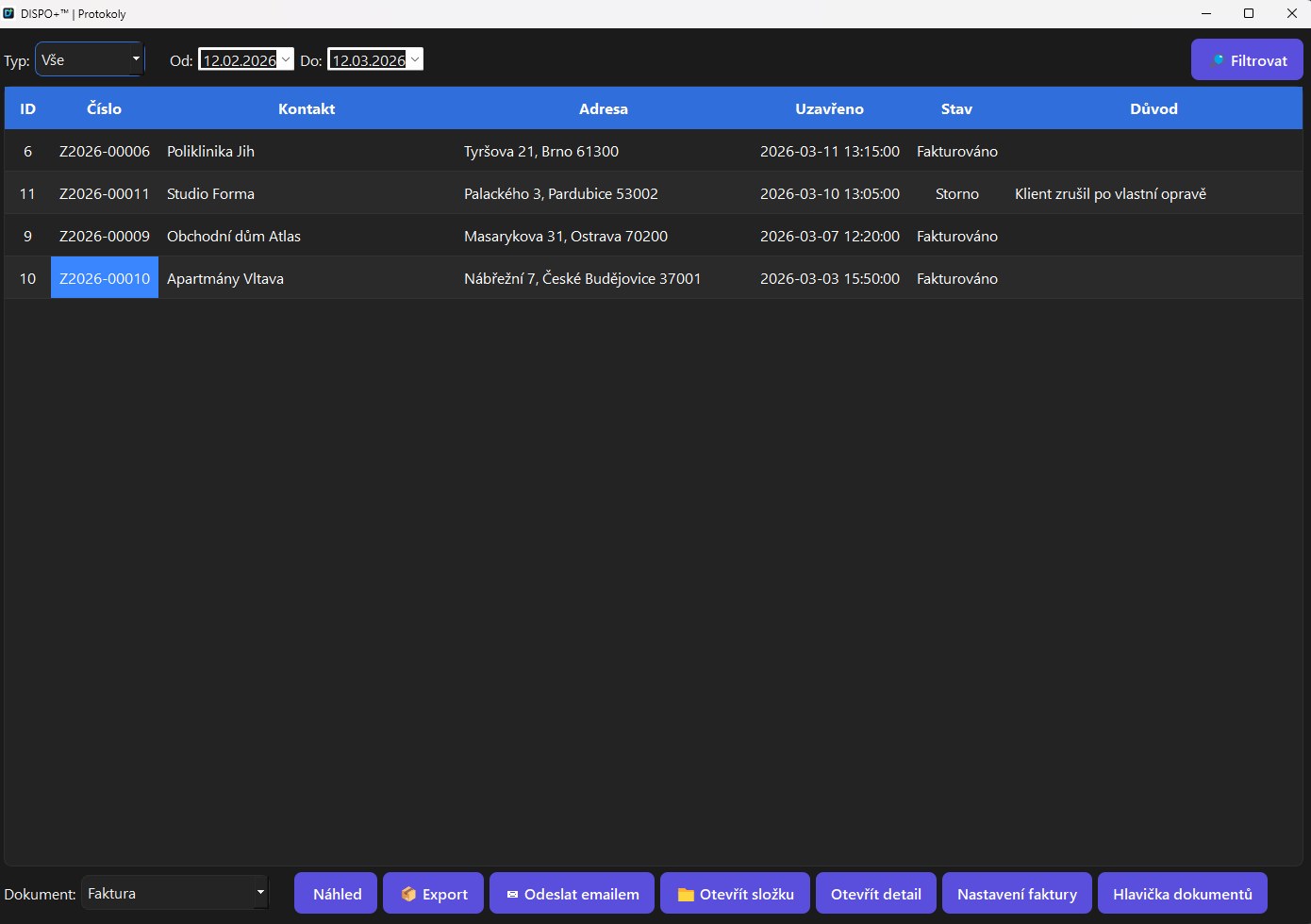
Report archive in DISPO+ SOLO
Report archiveClosed jobs, PDFs and links to billing documents.

When SOLO makes the most sense

“When you need jobs, price lists, documents and invoices close at hand without getting lost in a heavy enterprise system.”
  • Service technician or sole trader
  • Small installation company
  • A business where fast job processing matters
  • When spreadsheets and email are no longer enough

DISPO+ SOLO

A variant for small businesses seeking a clear head after work rather than a second shift of administration.

  • Jobs, job details, materials and expenses
  • Contacts, email client and customer history
  • Editable documents and PDF outputs
  • Price lists, price calculations and invoicing

Price on request

When you need multiple users, roles and operational oversight, it is time for TEAM.

Switching modes

When is it time to move to TEAM?

When several people work on the same jobs, coordination, permissions and traceability become more important. That is when TEAM makes sense.

One system for the office and the field

DISPO+ 2.0 connects jobs, technicians, work reports and materials with TECHNIK PC 1.0, TECHNIK Android 1.0 and DISPO Mobil 1.0.

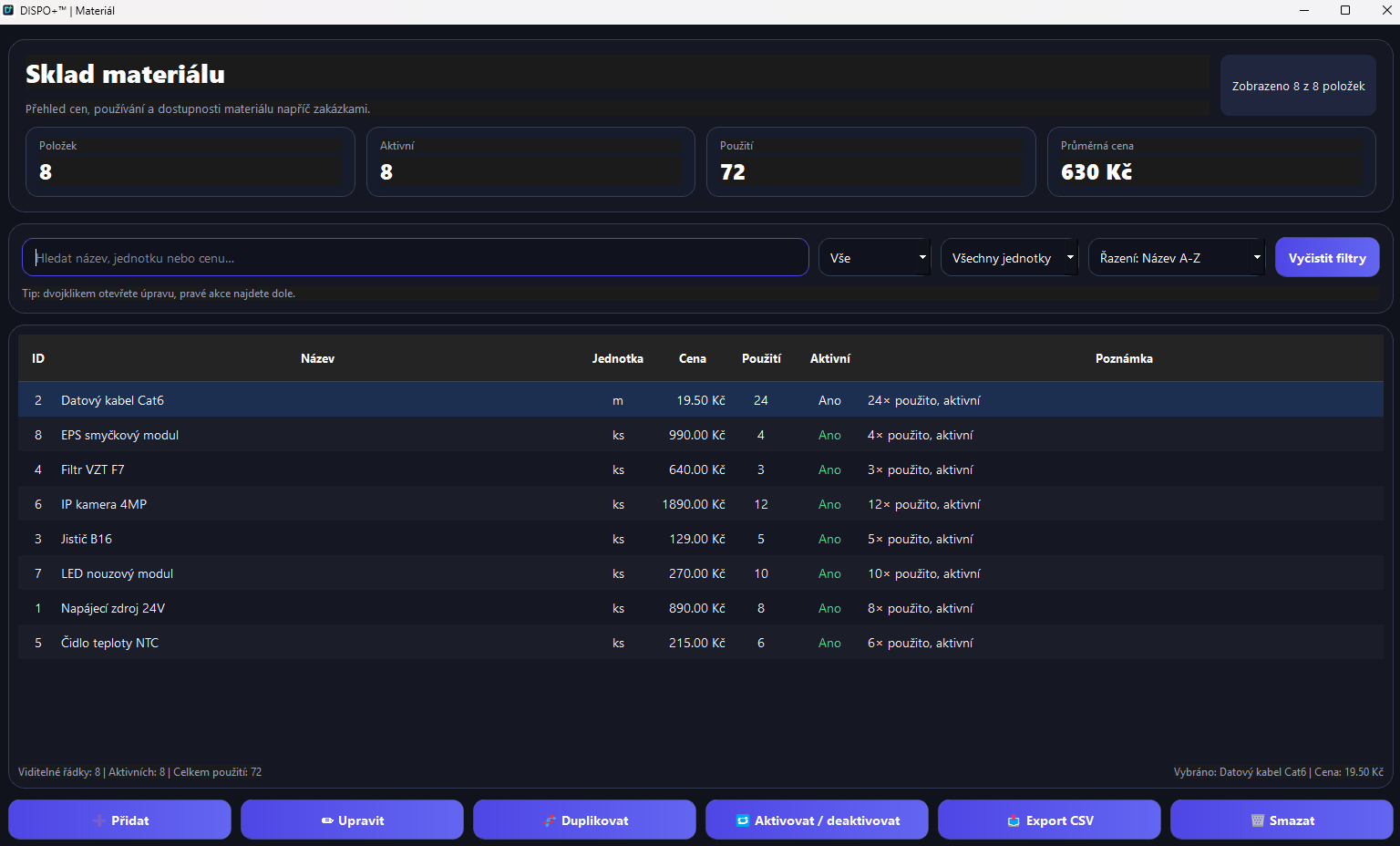
Expanded materials catalog and stock module

The materials module connects the catalog, purchase and sale prices, and material use on jobs. Additions include imports, product searches by name or EAN, and pricing information from stores. Materials recorded by technicians on a PC or phone connect with job approval and billing.

Progress invoicing, deposits and payments

Bill a job progressively based on completed work and materials used. Customer deposits, issued invoices and received payments stay connected. Financial overviews help you track what has been invoiced and what remains to be paid.

Mobile and TECHNIK